 93ef9aecd1
* Vault: show restricted ciphers in the browser popup

The popup lists restricted (partial) ciphers and swaps in a cipher's
revealed view while one exists. The edit, clone and assign-collections
routes send a blocked restricted cipher back to its view, and the view
page, more-options menu, copy actions, password history and add-edit
respect the restricted-cipher rule.

A host can provide VAULT_ROW_ACCESS for each row's access status and
overflow actions, and contribute list table filters with coloured tiles.
Unprovided, rows show no status and the popup behaves as before.

* Vault: replace the popup's row access seam with neutral slots

Addresses review feedback on #24596.

- Replace VAULT_ROW_ACCESS with VAULT_ROW_ICON (a component slot) and
  VAULT_ROW_SUBTITLE (a text provider). item-more-options renders
  VAULT_ROW_ACTIONS after View, checked against its own built-in IDs.
- Add an optional `disabled` to row actions, honoured by web's menu too,
  and export the contributed action ID check from CipherRowMenuService.
- Drop accessActive from the more-options menu, so edit under a live
  reveal follows the restricted-cipher policy. Clone checks the policy.
- Name the list table's contributed filter generically, key it by the
  provider's `key`, and persist selections as contributedFilterIds.
- Move gating into the row actions (showCopyActions) and launchCipher,
  and drop the separate revealed-ID stream: the list already swaps
  revealed views in for their restricted rows.
- Lift the view footer's edit and restore conditions into the component.
- Drop the five browser strings, which Vault no longer uses.
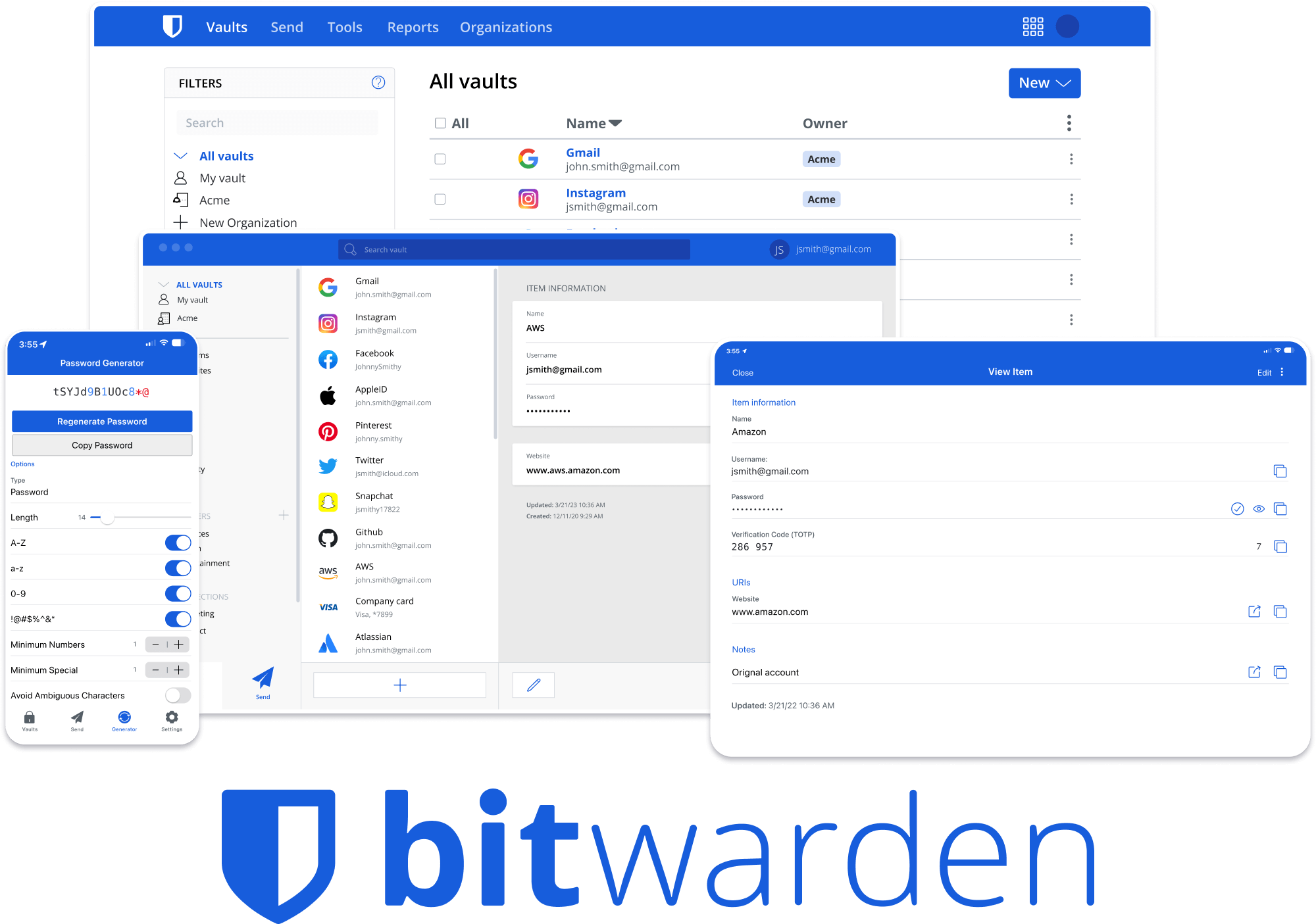


Bitwarden Client Applications
This repository houses all Bitwarden client applications except the mobile applications (iOS | android).
Please refer to the Clients section of the Contributing Documentation for build instructions, recommended tooling, code style tips, and lots of other great information to get you started.
Related projects:
- bitwarden/server: The core infrastructure backend (API, database, Docker, etc).
- bitwarden/ios: Bitwarden iOS Password Manager & Authenticator apps.
- bitwarden/android: Bitwarden Android Password Manager & Authenticator apps.
- bitwarden/directory-connector: A tool for syncing a directory (AD, LDAP, Azure, G Suite, Okta) to an organization.
We're Hiring!
Interested in contributing in a big way? Consider joining our team! We're hiring for many positions. Please take a look at our Careers page to see what opportunities are currently open as well as what it's like to work at Bitwarden.
Contribute
Code contributions are welcome! Please commit any pull requests against the main branch. Learn more about how to contribute by reading the Contributing Guidelines. Check out the Contributing Documentation for how to get started with your first contribution.
Security audits and feedback are welcome. Please open an issue or email us privately if the report is sensitive in nature. You can read our security policy in the SECURITY.md file.