 45e4aaae30
`bw update` picked the first release zip whose URL contained `bw-<os>`.
It ignored which build was running and the CPU architecture, so OSS users
were sent the commercial build and arm64 users were sent the x64 build.

- Add `licenseType` to the CLI ServiceContainer ("oss"), overridden to
  "bit" in the Bitwarden-licensed container, and pass it to UpdateCommand.
- Build the exact asset name, bw-{license}-{os}[-arm64]-{version}.zip,
  from the license, process.platform, process.arch and the release tag,
  and match it against asset names.
- Fall back to the release page when no matching asset exists or the
  OS/architecture has no published build.
- Type the GitHub release response and remove @ts-strict-ignore.

Depends on the bw-bit-* asset rename (BRE-2408).
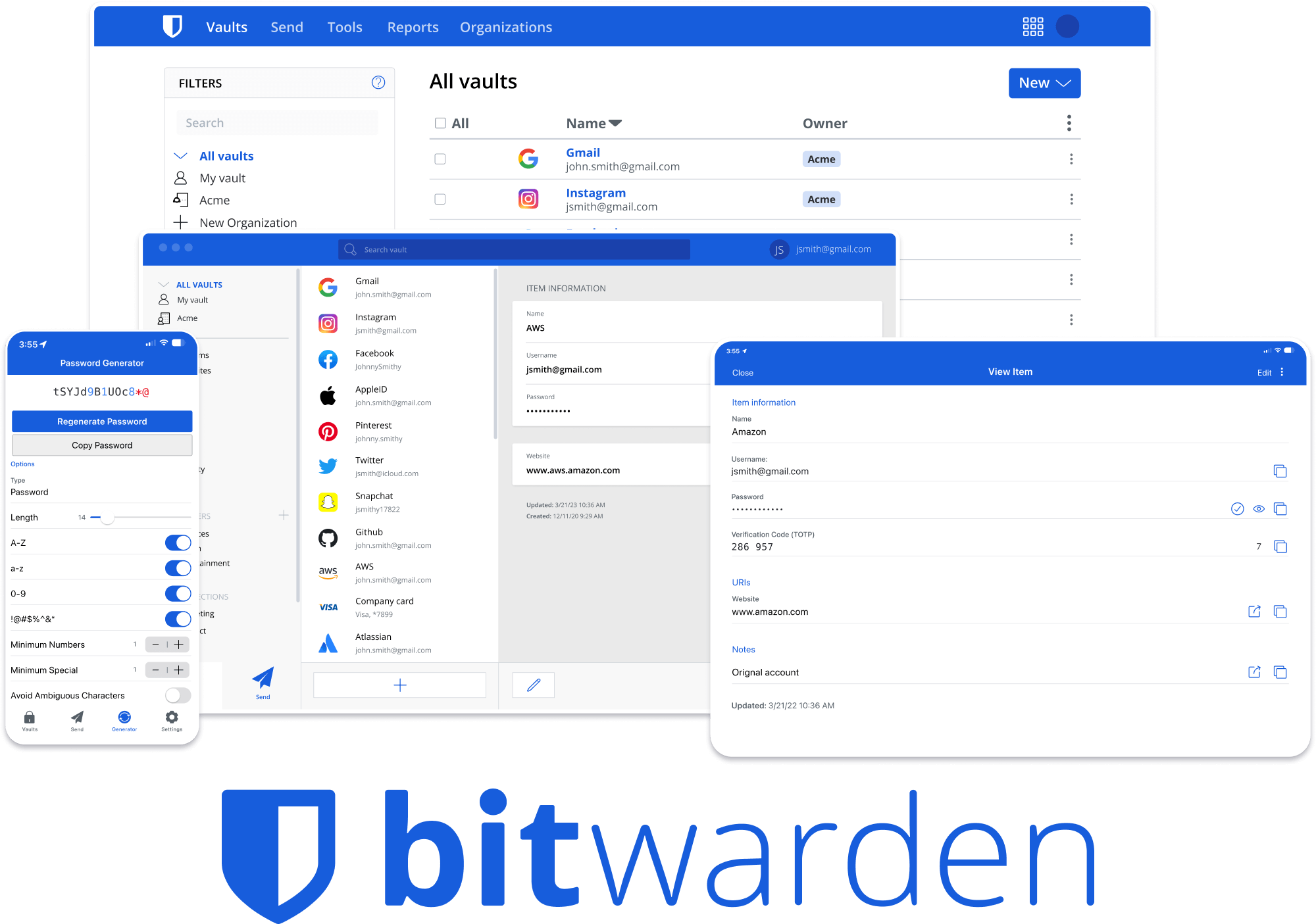


Bitwarden Client Applications
This repository houses all Bitwarden client applications except the mobile applications (iOS | android).
Please refer to the Clients section of the Contributing Documentation for build instructions, recommended tooling, code style tips, and lots of other great information to get you started.
Related projects:
- bitwarden/server: The core infrastructure backend (API, database, Docker, etc).
- bitwarden/ios: Bitwarden iOS Password Manager & Authenticator apps.
- bitwarden/android: Bitwarden Android Password Manager & Authenticator apps.
- bitwarden/directory-connector: A tool for syncing a directory (AD, LDAP, Azure, G Suite, Okta) to an organization.
We're Hiring!
Interested in contributing in a big way? Consider joining our team! We're hiring for many positions. Please take a look at our Careers page to see what opportunities are currently open as well as what it's like to work at Bitwarden.
Contribute
Code contributions are welcome! Please commit any pull requests against the main branch. Learn more about how to contribute by reading the Contributing Guidelines. Check out the Contributing Documentation for how to get started with your first contribution.
Security audits and feedback are welcome. Please open an issue or email us privately if the report is sensitive in nature. You can read our security policy in the SECURITY.md file.